FOV Calculator: Why the Same Locked FOV Looks Different on Every Monitor
Valorant locks horizontal FOV at 103° for everyone — but on a 21:9 ultrawide your actual vertical FOV is almost 14° narrower than on a 16:9 monitor. The real trig behind FOV.
FOV Calculator: Why the Same Locked FOV Looks Different on Every Monitor
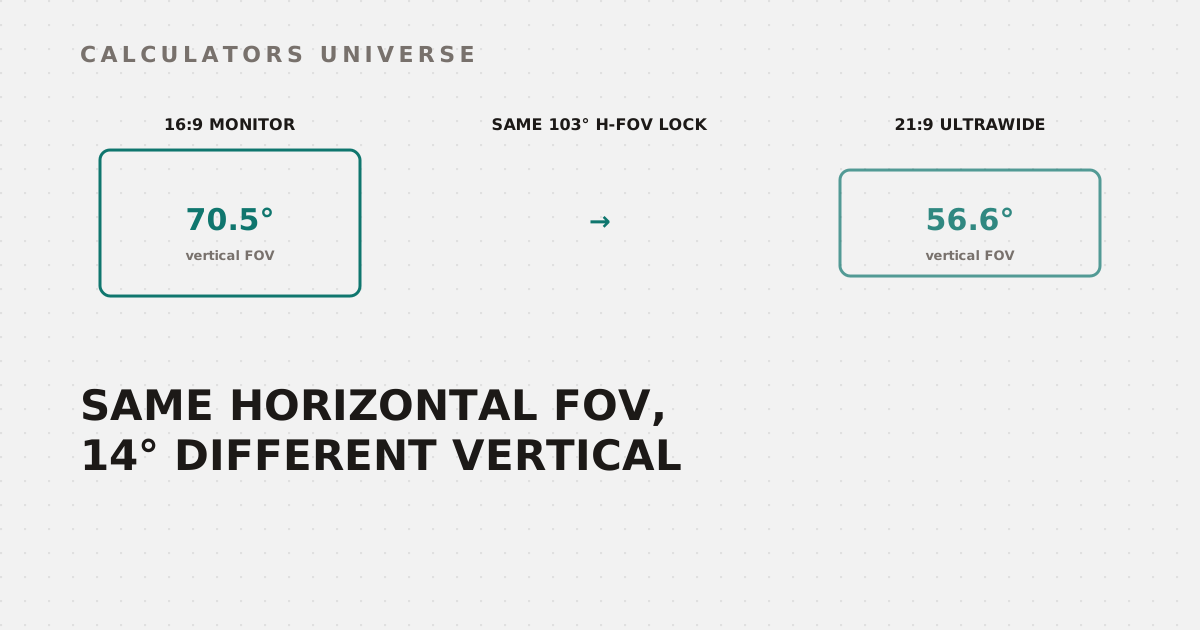
Valorant locks every player’s horizontal field of view at exactly 103° — supposedly a level playing field. Switch from a 16:9 monitor to a 21:9 ultrawide with that same locked number, though, and your actual vertical field of view drops from 70.5° to 56.6°, a difference of almost 14°. The horizontal number never moves; the picture you actually see does. That’s the trigonometry the FOV & Sensitivity Calculator runs behind the scenes, and here’s how it actually works.
What Is Field of View (FOV)?
Field of view is the extent of the game world visible on screen at once, and it comes in three flavors depending on which axis you measure:
- Horizontal FOV — the angle measured left-to-right (CS2, Call of Duty, Fortnite use this)
- Vertical FOV — the angle measured top-to-bottom (Rainbow Six Siege, Escape from Tarkov use this)
- Diagonal FOV — the angle measured corner-to-corner (Apex Legends uses this)
Each is derived from the same underlying camera geometry, just projected along a different axis — and because aspect ratio determines the relationship between width and height, the same underlying camera setting produces a different number depending on which FOV type a game reports.
Physical FOV (degrees) = 2 × atan(monitor width ÷ (2 × viewing distance)) × (180 ÷ π)
FOV Type and Range by Game
Every major shooter picks a different FOV convention, and several lock it outright:
| Game | FOV type | Range | Default | Pro average | Note |
|---|---|---|---|---|---|
| Counter-Strike 2 | Horizontal | 60°–68° | 68° | 68° | Setting affects viewmodel only — actual camera FOV is fixed |
| Valorant | Horizontal | 103° (locked) | 103° | 103° | Only aspect ratio changes your effective vertical FOV |
| Fortnite | Horizontal | 80° (locked) | 80° | 80° | 3D resolution is the primary visibility lever instead |
| Overwatch 2 | Horizontal | 80°–103° | 103° | 103° | Nearly all players max it out for peripheral vision |
| Call of Duty | Horizontal | 80°–120° | 100° | 110° | Pros typically run 105°–115° |
| Apex Legends | Diagonal | 70°–110° | 90° | 104° | Most pros use 100°–110° for peripheral vision |
| Rainbow Six Siege | Vertical | 60°–90° | 75° | 88° | Some players use a slightly lower FOV to enlarge targets |
| Escape from Tarkov | Vertical | 50°–75° | 60° | 70° | Higher FOV shrinks apparent target size significantly |
The Counter-Strike 2 entry is worth pausing on: because CS2 runs on Source 2, the in-game “FOV” slider historically only adjusts your weapon viewmodel — the actual camera field of view is fixed regardless of what you set it to. That’s a common point of confusion even among experienced players.
From Monitor and Distance to a Physical FOV Number
Feed the calculator a monitor size, aspect ratio, and viewing distance, and it computes the horizontal angle your eyes actually subtend — the “geometrically correct” FOV for your exact setup. Viewing distance changes the result more than most players expect:
| Viewing distance | Horizontal FOV (27", 16:9) |
|---|---|
| 18 inches | 66.3° |
| 24 inches | 52.2° |
| 36 inches | 36.2° |
Sit 18 inches from a 27-inch monitor and the geometrically matched FOV is nearly twice what it is at 36 inches. That’s why “what FOV should I use for a 27-inch monitor” has no single answer without a distance attached — size alone is only half the equation.
Competitive Mode vs. Immersive Mode
The calculator’s Immersive mode reports that raw geometric FOV directly — the number that most closely matches your natural vision relative to the screen. Competitive mode applies a 12% reduction (a ×0.88 multiplier) on top of it, narrowing the field of view to make on-screen targets appear larger without changing zoom:
| Mode | 27" @ 24" example | Vertical FOV (16:9) |
|---|---|---|
| Immersive | 52.2° | 30.8° |
| Competitive | 46.0° | 26.8° |
Whether narrower is actually “better” depends heavily on genre. Tactical shooters like CS2 lean toward tighter, lower FOV values that make distant enemies easier to spot and hit. Battle royales like Apex Legends and Call of Duty trend the opposite direction — pros there average 104° and 110° respectively, prioritizing peripheral awareness over target size. There’s no universal answer; the right FOV is genre-dependent, not just monitor-dependent.
Converting Between FOV Types
Because the underlying camera angle is the same regardless of which axis a game reports, the calculator can convert your physical horizontal FOV into whatever type a specific game expects. Take that same 52.2° immersive horizontal FOV on a 16:9 monitor and convert it to Apex Legends’ diagonal convention:
Horizontal 52.2° → Vertical 30.8° → Diagonal 58.7°
That 58.7° diagonal figure sits well below Apex’s 90° default and far below the 100°–110° pro average — a reminder that the “geometrically correct” physical FOV and the FOV most competitive players actually choose are two different numbers serving two different goals.
FOV Changes Also Change Your Sensitivity
Every game profile above carries a yaw constant — the degrees your camera rotates per mouse count — and it’s different in every engine (0.022°/count in CS2, 0.07°/count in Valorant). Changing your FOV or switching games without adjusting for yaw means your aim’s physical feel silently shifts, even if the sensitivity number on screen stays the same. This calculator handles that conversion alongside the FOV math, but the full formula and reasoning behind it — including why physical cm/360 is the only truly portable sensitivity metric — is covered in eDPI vs cm/360: Which Sensitivity Metric Should You Actually Use?
How to Use the FOV & Sensitivity Calculator
- Open the FOV & Sensitivity Calculator.
- Enter your monitor size, aspect ratio, and viewing distance.
- Choose Immersive or Competitive mode.
- Select your game to see the FOV converted into that game’s specific convention (horizontal, vertical, or diagonal), alongside its pro-average range.
- Optionally add your current sensitivity and DPI to get a matching sensitivity for a second game, using each title’s real yaw constant.
Related Calculators
Compare your sensitivity across games with the eDPI Calculator or the more precise Sensitivity Converter. Keep your crosshair size consistent after switching games with the Crosshair Size Converter, find your optimal DPI and physical cm/360 with the Mouse DPI Analyzer, check whether your monitor’s refresh rate can keep up with your FPS using the Monitor Hz vs FPS Matcher, and see how sensitivity and reaction time affect kill speed with the TTK Calculator.
Frequently Asked Questions
What’s the best FOV for a 27-inch monitor?
There isn’t a single number — the geometrically matched FOV depends on viewing distance as much as monitor size, ranging from roughly 66° at 18 inches to 36° at 36 inches for the same 27-inch screen. Competitive players also frequently choose a different FOV than the geometric match for gameplay reasons, so “best” depends on whether you’re optimizing for realism or target visibility.
Why is CS2’s FOV setting different from other games?
CS2’s FOV slider only affects your weapon viewmodel position — the actual in-game camera field of view is fixed and cannot be changed through that setting. This is a legacy of the Source engine architecture and catches out players who assume FOV works identically across every shooter they play.
Does changing FOV affect my mouse sensitivity feel?
Indirectly, yes — FOV itself doesn’t change your yaw constant, but switching games (which is when FOV typically changes) almost always means switching to a different yaw constant too. That’s why this calculator’s sensitivity conversion is tied to game selection rather than FOV directly — it’s the game switch, not the FOV number, that requires a sensitivity adjustment.
Should I use a higher or lower FOV for competitive play?
It depends entirely on genre. Tactical shooters like CS2 favor narrower FOV values that enlarge distant targets, while battle royale and arena shooters like Apex Legends and Call of Duty favor wider FOV for maximum peripheral awareness — pro averages in those games run 104° and 110° respectively. There’s no single competitive standard across all genres.
Why do Apex Legends and Rainbow Six Siege report FOV differently from CS2?
Different game engines choose different axes to standardize FOV around — Apex uses diagonal, Siege uses vertical, and CS2/Valorant use horizontal. The underlying camera angle can be converted between all three using aspect-ratio-aware trigonometry, which is exactly what lets this calculator translate one physical setup into the correct number for any of these conventions.
The number on a settings slider only means something once you know which axis it’s measuring and what monitor it’s being measured against — the same “103” can put two players in meaningfully different fields of view without either of them touching a setting.
External Resources
- FOV Explained — Corsair — visual breakdown of competitive vs. immersive FOV trade-offs
- Apex Legends Pro Settings — prosettings.net — aggregated FOV and sensitivity settings from professional Apex Legends players