PSU Calculator: What Actually Adds Up to Your PC's Power Supply Wattage
CPU and GPU aren't the whole story. RAM, storage, fans, cooling, overclocking, and a 25% safety margin all move the number — here's the exact formula and two worked examples.
PSU Calculator: What Actually Adds Up to Your Power Supply Wattage
Four RAM sticks, three storage drives, five case fans, and a liquid cooler quietly add up to roughly 141 watts of “invisible” draw in a real build — components most PSU size guides never mention, because they focus entirely on CPU and GPU. That gap is exactly why a wattage total built only from your CPU and GPU spec sheets will consistently undersize your power supply. Here’s the full formula the PSU Calculator actually runs, with two worked examples showing where every watt goes.
What Is a PSU Wattage Calculator?
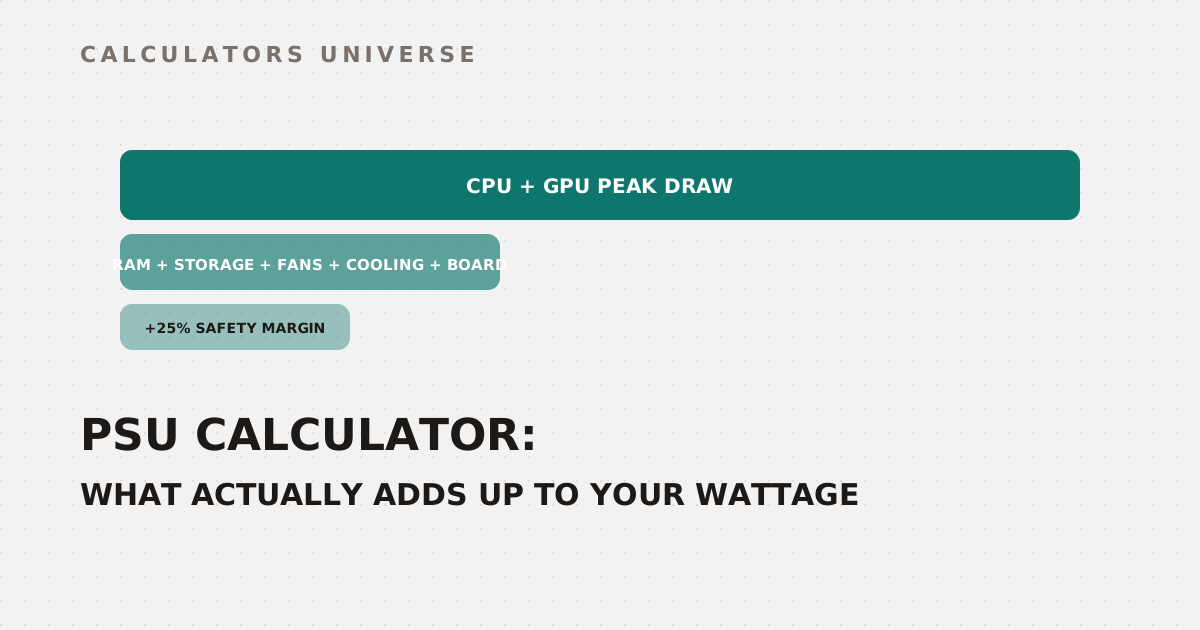
A PSU wattage calculator estimates the power supply size your build needs by summing the realistic peak draw of every major component, then adding a safety margin so the PSU never runs at the ragged edge of its capacity. The formula behind this tool is:
Total peak draw = CPU peak + GPU peak + peripheral wattage
Recommended wattage = ceil((Total × 1.25) / 50) × 50, minimum 450W
The “peripheral wattage” bucket is where most manual calculations quietly fall apart, because it bundles several small draws that individually look negligible but add up fast across a full build.
The Peripheral Wattage Breakdown
| Component | Assumed draw | Notes |
|---|---|---|
| Motherboard, chipset, USB/RGB | 50W flat | Baseline for every build regardless of size |
| RAM | 3W per stick | Scales with stick count, not capacity |
| Storage (SSD or HDD) | 8W per drive | Conservative average across drive types |
| Case fans | 4W per fan | Standard 120mm/140mm fan estimate |
| Air cooling | 10W | Stock or tower air cooler |
| Liquid cooling | 35W | AIO pump plus high-performance fans |
These are conservative, real-world averages rather than exact figures for any single product, which is the right way to size a PSU — you want headroom, not a number tuned to the cheapest component on the market.
Overclocking Changes the Math Differently for CPU and GPU
Overclocking doesn’t add a flat wattage — it applies a multiplier, and the calculator uses a different one for each component because CPUs and GPUs respond differently to increased clocks and voltage:
| Component | Overclocking multiplier | Extra draw |
|---|---|---|
| CPU | ×1.25 | +25% over peak draw |
| GPU | ×1.15 | +15% over peak draw |
CPUs get the larger multiplier because pushing clock speed usually requires a voltage increase, and power scales faster than voltage does. GPUs are already closer to their factory power limit out of the box, so overclocking headroom — and the resulting wattage increase — tends to be smaller in percentage terms.
Two Real Worked Examples
Mainstream gaming build, overclocked: AMD Ryzen 7 7800X3D (100W peak) + NVIDIA RTX 4070 (250W peak), overclocked, 2 RAM sticks, 1 storage drive, 4 fans, air cooling.
| Step | Calculation | Result |
|---|---|---|
| CPU with OC | 100 × 1.25 | 125W |
| GPU with OC | 250 × 1.15 | 287W |
| Peripherals | (2×3) + (1×8) + (4×4) + 10 + 50 | 90W |
| Total peak draw | 125 + 287 + 90 | 502W |
| Safety margin | 502 × 0.25 | 125W |
| Recommended (rounded to 50W) | (502 + 125) → ceil ÷ 50 | 650W |
High-end extreme build, stock clocks: Intel Core i9-14900K (350W peak) + NVIDIA RTX 4090 (600W peak), no overclocking, 4 RAM sticks, 3 storage drives, 5 fans, liquid cooling.
| Step | Calculation | Result |
|---|---|---|
| CPU | 350W | 350W |
| GPU | 600W | 600W |
| Peripherals | (4×3) + (3×8) + (5×4) + 35 + 50 | 141W |
| Total peak draw | 350 + 600 + 141 | 1,091W |
| Safety margin | 1,091 × 0.25 | 272W |
| Recommended (rounded to 50W) | (1,091 + 272) → ceil ÷ 50 | 1,400W |
The gap between these two builds — 650W vs. 1,400W, more than double — comes almost entirely from the CPU and GPU peak draw, not the peripherals. But notice the peripheral total itself still swings from 90W to 141W just based on component count and cooling choice, which is more than enough to push a borderline build across a 50W rounding threshold.
Matching Wattage to an 80 PLUS Tier
Once you have a recommended wattage, the certification tier matters almost as much as the number itself:
| Recommended wattage | Suggested 80 PLUS tier |
|---|---|
| Up to 500W | Bronze or Gold is sufficient |
| 501W–750W | Gold strongly recommended |
| 751W–1000W | Gold minimum, Platinum ideal |
| Above 1000W | Platinum or Titanium |
Higher tiers waste less input power as heat at the same output wattage, which matters more as the absolute wattage — and therefore the absolute watts wasted — climbs.
How to Use the PSU Calculator
- Open the PSU Calculator.
- Select your exact CPU and GPU models.
- Enter your RAM stick count, storage drive count, and case fan count.
- Choose air or liquid cooling, and toggle overclocking if you run one.
- Read the recommended wattage, the full CPU/GPU/peripheral/safety-margin breakdown, and the suggested 80 PLUS efficiency tier.
Related Calculators
Check the frame rates your build will actually hit with the FPS Calculator, or find out which component is holding performance back with the CPU vs. GPU Bottleneck Calculator. Plan your full budget across every part with the PC Build Budget Planner, confirm your GPU’s VRAM is enough for modern titles with the VRAM Estimator, see how much safe overclocking headroom your cooling allows with the Overclocking Headroom Calculator, and decide if a GPU upgrade is worth it with the GPU Upgrade Worth It Calculator.
Frequently Asked Questions
Do RAM sticks and fans really matter enough to affect PSU sizing?
Individually, no — a single RAM stick at 3W or one fan at 4W is trivial. Across a full build with four RAM sticks, several fans, multiple drives, and a cooling loop, though, that “invisible” draw can add up to over 100W, which is enough to matter once you’re rounding to the nearest 50W tier or sitting close to a PSU’s efficiency sweet spot.
Why does overclocking add more percentage draw to a CPU than a GPU?
CPU overclocking typically requires a voltage bump to hit higher clocks, and power draw scales faster than voltage, which is why this calculator applies a steeper ×1.25 multiplier to CPUs versus ×1.15 for GPUs. GPUs also generally ship closer to their practical power ceiling from the factory, leaving less overclocking headroom to begin with.
Why round the recommended wattage up to the nearest 50W instead of giving an exact number?
PSU units are manufactured in fixed wattage tiers — 550W, 650W, 750W, 850W, and so on — so a precise number like 627W isn’t a purchasable product anyway. Rounding up to the nearest 50W and applying the safety margin first ensures the recommendation lands on or above a real, available unit rather than under one.
Is a 450W minimum recommendation ever going to be a problem?
For genuinely low-power builds — integrated graphics, entry-level CPUs, minimal peripherals — 450W is a safe floor that still leaves meaningful headroom, since even a modest gaming GPU alone can draw well over half of that. The floor exists because extremely low recommendations become impractical to shop for and leave almost no margin for future upgrades.
Does liquid cooling actually draw more power than air cooling?
Yes, modestly — this calculator assumes 35W for an AIO pump and high-performance fans versus 10W for a standard air tower, a roughly 25W difference. That’s a small slice of a full build’s total wattage, but it’s a real, measurable draw from the pump motor and additional fans that a pure CPU+GPU estimate would otherwise miss entirely.
A wattage number is only as good as what went into it — the moment a calculator only asks for your CPU and GPU, it’s already ignoring 90 to 150 watts of real draw that shows up the moment you plug the system in.
External Resources
- 80 PLUS Certification Program — CLEAResult — the official PSU efficiency certification program and database
- PSU Buying Guide — Tom’s Hardware — independent, in-depth guide to power supply selection and quality