Gaming Chair vs Office Chair: What the Ergonomics Data Actually Says About Long Sessions
Gaming chairs are designed to look like racing seats first, spine support second. What ergonomics actually requires, and why breaks matter more than the chair.
Gaming Chair vs Office Chair: What Actually Matters for Long Sessions
Gaming chairs are designed to look like racing seats, and that design goal is not the same as “designed to support your spine for six hours.” Whether that gap actually matters — and what matters more than the chair itself — is a more useful question than “which chair is best,” so let’s answer both.
What a Chair Actually Needs to Do
Ergonomically, a chair’s job is narrow but specific: support your lower back’s natural curve, let your hips and knees sit near a 90° angle with feet flat on the floor, and put your forearms roughly level with your desk without straining your shoulders. None of that depends on the chair’s brand or styling — it depends on whether the chair actually adjusts to your body, and whether your desk and monitor height are set correctly to match. Since those numbers depend entirely on your own height and proportions, the Gaming Chair Ergonomics Calculator works out your specific chair height, desk height, and monitor position instead of relying on generic advice.
Where a Lot of Gaming Chairs Fall Short
The recurring, well-documented critique from ergonomics professionals isn’t about gaming chairs as a category — it’s about a specific, common design choice: many gaming chairs ship with a fixed, non-adjustable lumbar bolster built into the foam shape, rather than an adjustable lumbar mechanism you can move and tune to your own spine curve. If that fixed bump happens to land in the right place for your back, it works well. If it doesn’t — and there’s no way to know until you own it — it can push your lower back into an unnatural curve instead of supporting it. Adjustable task and ergonomic office chairs are generally preferred by ergonomics professionals for exactly this reason: the support point is tunable to the individual, not fixed at the factory.
The Chair Matters Less Than You Think — Breaks Matter More
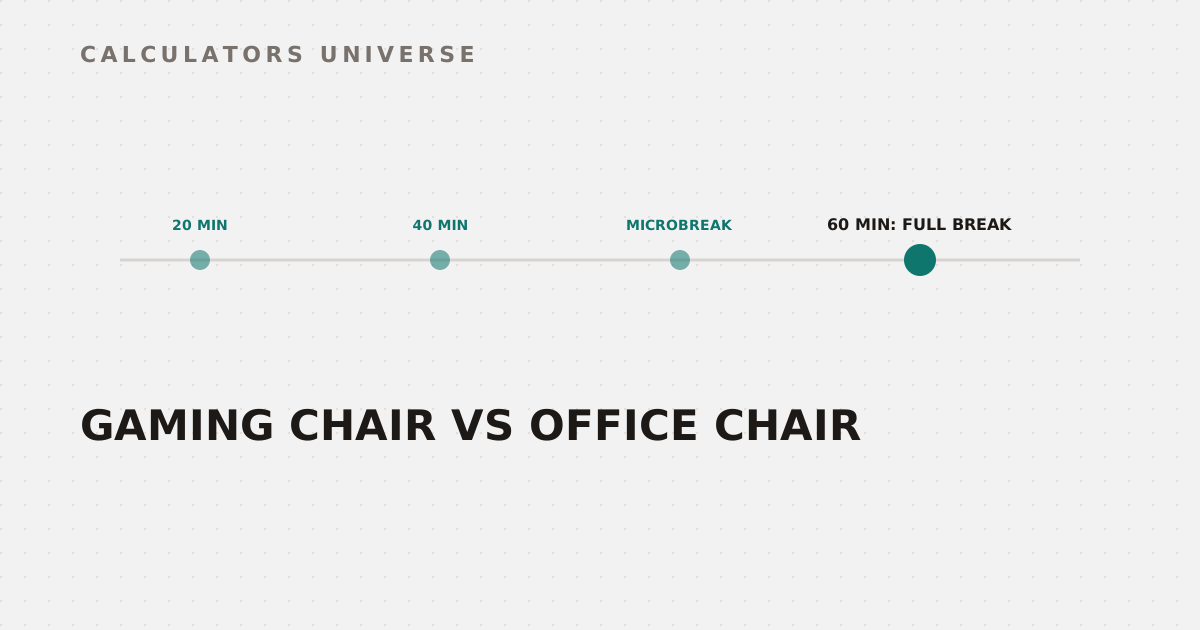
Here’s the part almost no “best gaming chair” article mentions: no chair, however well-designed, eliminates the health cost of staying in one static posture for hours. The actual, most consistently supported ergonomics guidance is about movement frequency, not chair choice:
This pattern applies regardless of which chair you're sitting in
It’s worth separating this from the well-known 20-20-20 rule (every 20 minutes, look at something 20 feet away for 20 seconds), which specifically targets visual eye strain, not musculoskeletal fatigue — the two need different countermeasures, and neither replaces the other. Working out your own break schedule based on session length and intensity is exactly what the Gaming Ergonomics & Break Timer does.
The Other Half of Gaming Health: Sleep
Posture during the session is only half the picture — what happens right after it matters too. Blue light from your monitor suppresses melatonin release through a well-established biological pathway (light-sensitive retinal cells signal your brain’s circadian clock to delay the “get sleepy” hormone), which measurably delays how quickly you fall asleep after an evening session. The Blue Light Sleep Impact Score estimates that delay based on your screen brightness and blue light filter settings, so a late session doesn’t have to cost you as much sleep as it otherwise would.
Why This Actually Compounds Into Performance
Poor posture and disrupted sleep don’t just cause discomfort — both measurably degrade reaction time and sustained focus, the two things competitive performance depends on most. Once your setup and recovery habits are dialed in, see what that translates to with the Reaction Time Rank Ceiling Calculator, and put it to use with a structured plan from the Aim Trainer Session Planner.
Frequently Asked Questions
Are gaming chairs actually bad for your back?
Not inherently — the concern is specifically the fixed, non-adjustable lumbar bolster many gaming chairs use, which only helps if it happens to match your individual spine curve. An adjustable-lumbar office or task chair removes that guesswork.
Is the 20-20-20 rule the same as a posture break?
No — the 20-20-20 rule targets eye strain specifically (looking at something far away every 20 minutes). Musculoskeletal fatigue needs a separate movement-based microbreak, not just a visual one.
How often should you actually take breaks while gaming?
A common, well-supported pattern is a short 20-30 second microbreak roughly every 15-20 minutes, plus a longer break of a few minutes every hour — regardless of chair quality.
Does blue light from gaming actually delay sleep?
Yes — it’s a well-established biological effect, not a myth. Blue light exposure in the evening suppresses melatonin release and measurably increases the time it takes to fall asleep afterward.
Is it worth buying an ergonomic office chair instead of a gaming chair?
If you sit for long sessions regularly, an adjustable-lumbar ergonomic chair is generally the safer long-term choice specifically because the support point is tunable to your body rather than fixed at the factory — though correct desk and monitor height matter just as much as the chair itself.
Related Calculators
Start with the Gaming Chair Ergonomics Calculator to get your exact chair, desk, and monitor measurements, set a real break schedule with the Gaming Ergonomics & Break Timer, and protect your sleep afterward with the Blue Light Sleep Impact Score. Once your setup and recovery are dialed in, check your Reaction Time Rank Ceiling and build a plan with the Aim Trainer Session Planner.
External Resources
- Blue Light — Sleep Foundation — independent overview of blue light’s effect on melatonin and sleep onset
- Microbreaks — Stanford Environmental Health & Safety — university ergonomics program guidance on break frequency for computer-based work